
A business can spend a perfectly good afternoon making a promotion look wonderful, then send everyone to a page that barely mentions it. The photograph is polished. The caption has energy. The customer lands somewhere else, starts looking for the details and quietly disappears. More attention would send more people through the same confusion.
With November approaching, the useful question is not how many sale graphics you can produce. It is whether a person can understand the offer, find the right information and complete the next step. That applies to a gift shop, a cafe taking Christmas bookings and a service business managing its last appointments before the break.
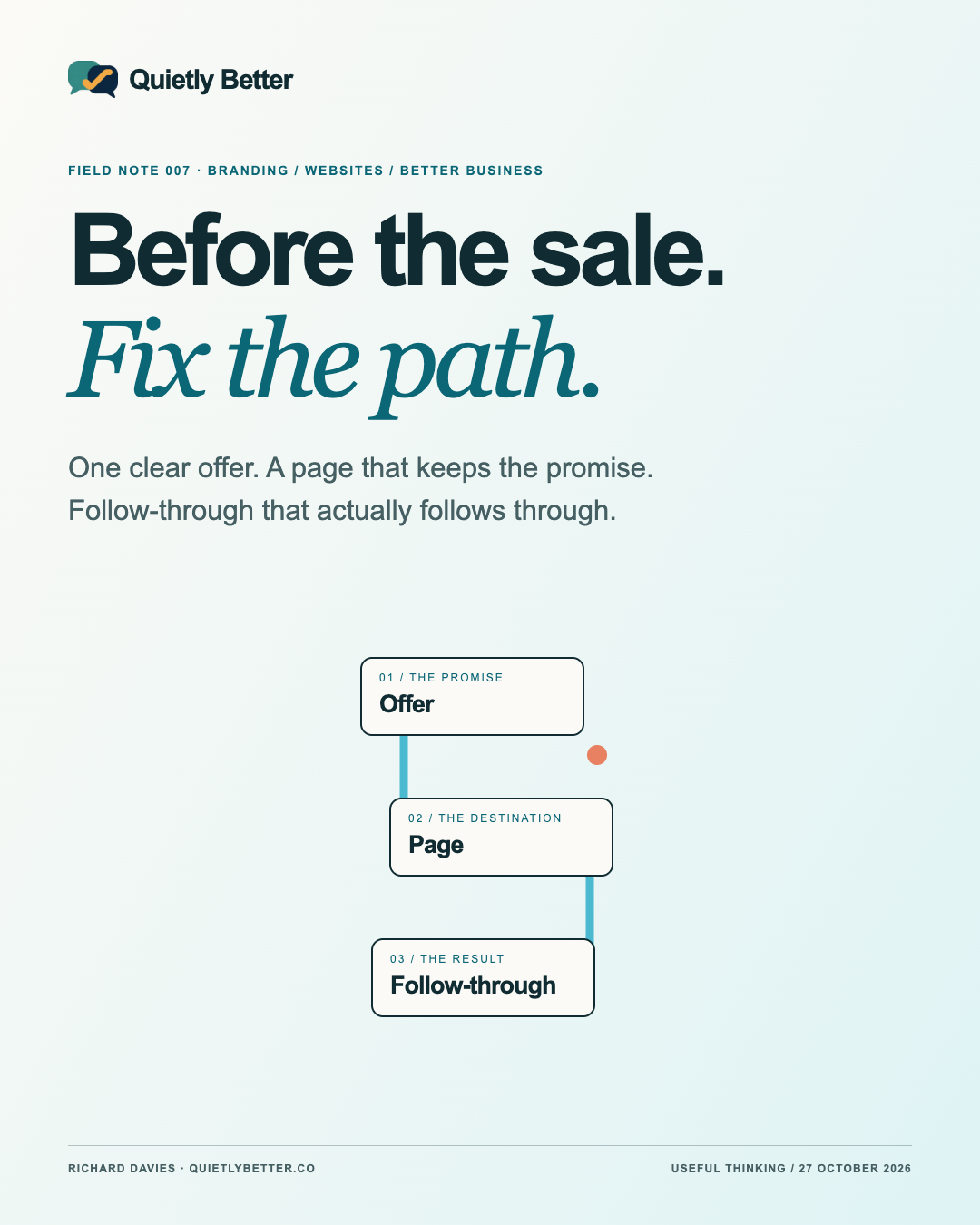
My recommendation is to prepare one complete path before multiplying the posts. Offer, page, action and follow-through should tell the same story. It is less theatrical than a campaign war room. It is also a more sensible use of a small business owner's Tuesday.
The seasonal update: clear beats frantic
business.gov.au's 10 September 2026 sales-planning update lists Black Friday on 27 November and Cyber Monday on 30 November. It encourages early preparation and choosing events that fit the business. This is a useful planning prompt, rather than evidence that every South Coast business needs a discount weekend.
There is a second, less cheerful prompt. On 29 September 2026, the ACCC reported that two retailers had paid penalties after infringement notices concerning alleged misleading claims about how long their 2025 sale discounts would last. That is a dated enforcement update about alleged conduct, not a new court ruling or a finding about your campaign.
The practical connection is straightforward: choose something you can explain and deliver. A promotion does not become better because it looks urgent. If the underlying arrangement is still undecided, the next useful job is to settle the arrangement.
Write the offer before designing the announcement
Start with a short internal brief. Who is this for? What exactly are they getting? What does it cost? When can they receive it? What conditions would change their decision? If the answer needs a discussion between three people, have that discussion before a fourth person turns it into a poster.
Consider a hypothetical local maker selling a Christmas gift bundle. A photograph of three objects should not leave the customer guessing whether the price covers all three, whether gift wrapping is included or whether collection is the only option. Those are product decisions, not inconvenient little details for the footer.
An appointment-based business needs a different brief: the service, the available period, how a booking becomes confirmed and what happens if capacity changes. A shop's promotion cannot simply be pasted over a service business with a different photograph. The action and the promise are different.
I would keep one approved version of the offer, with a date and the person responsible for it. The website, social captions and staff answers can then work from that version. It is a small administrative habit that prevents several confident versions of the truth.
- Audience and actual need.
- Exact inclusions, price and material conditions.
- Start, finish, availability and fulfilment arrangements.
- One customer action and one person responsible for the response.
Make the page keep the promise the post made
If the post is about a particular bundle, link to the bundle or a page that clearly explains it. A generic homepage is a reasonable introduction to a business, but it may ask a visitor to repeat a search they thought they had already finished. Keep the recognisable name, image and language visible after the click.
Put the useful facts near the decision: what is included, current availability, collection or delivery arrangements, and a clear way to ask a question. An important condition should be readable on a phone before someone commits, rather than available only to people who enjoy investigating footnotes.
The ACCC's existing guidance says fine print must not contradict an advertisement's overall message. It also explains why an advertised saving can mislead when the higher comparison price was never genuinely used. Those are reasons to check the actual claim, not just proofread the spelling.
My design test is to look at the post and the destination side by side. Would an unfamiliar person describe the same offer from both? A consistent colour palette helps recognition; consistent meaning is what makes that recognition useful. A beautifully branded contradiction remains a contradiction.
Walk the route on an ordinary phone
Begin where the customer begins: the actual published link, not the page already open on your laptop. Read the first screen without explaining it aloud. Can someone tell what the business offers and what to do next? Can they dismiss an overlay without accidentally leaving the site? Does the link open the intended page?
Then attempt the intended action in a safe test environment. For an enquiry, check the labels, required fields, error message and confirmation. For a booking, check what makes the appointment confirmed. For a shop, include the selected variant, delivery method and final order information. Stop if the test would place an unwanted real order or contact a customer.
W3C's form guidance explains that controls need appropriate labels associated with them, so people and assistive technologies can identify their purpose. Do not treat a pale word disappearing inside a box as the entire explanation. This is one practical check, not a claim that a quick campaign review certifies accessibility.
Keep a short fault list in customer order. A broken action comes before a slightly awkward animation. An unreadable condition comes before another decorative flourish. Fix the point where someone gets stuck, then repeat that part of the journey. A working button deserves rather more attention than its shadow.
The test ends after the button
A confirmation page proves that a screen appeared. It does not by itself prove that the right person received the enquiry, the booking exists in the diary or the order is ready to fulfil. Follow the test through to the place where the business actually does the work.
For ecommerce, use the platform's documented testing route with the person responsible for the store. Shopify, for example, documents simulated test orders and warns that customers cannot place live orders while payment providers are in test mode. Do not improvise a live payment test during trading and leave the shop unable to accept real orders.
For a hypothetical repair business, the important result might be a clearly identified enquiry reaching the right inbox, with a way to distinguish it from an accepted job. For a maker, it may be the right product and collection details appearing together. An automated acknowledgement should describe what happened accurately.
Decide who checks incoming requests, how an unavailable date is handled and what customers are told about the next response. Use a timeframe the business can maintain. A chatbot or automated email should not promise an answer in ten minutes because that sounded friendly during setup.
Keep the public details in step
The campaign can be perfectly consistent while the shop's opening hours are still wrong elsewhere. Put the website contact page, social profile details and business listing beside the holiday roster. Include collection times, closure periods and where a late enquiry will go. These details are part of the experience you are promoting.
Google Business Profile supports special hours for brief changes and holidays without replacing the regular schedule. Its guidance also distinguishes longer closures and service-specific hours. Use the appropriate setting for the actual situation; one holiday-hours field is not a universal answer to every operating change.
Keep a small change log: the detail, where it appears, who updated it and when it should be reviewed. This is useful even if the entire marketing department consists of you, a phone and a dog who has no respect for the meeting agenda. The point is a dependable record, not more software.
Use AI to find contradictions before making more variants
Once the offer is approved, an AI assistant can help compare the page and captions, shorten a sentence or make a checklist of unanswered questions. Give it the approved facts and ask it to identify gaps. A useful instruction is: flag anything that needs confirmation; do not supply missing prices, stock counts, conditions or deadlines.
Keep final checks with someone who knows the business. Generated images should not depict a product, venue or service inclusion that the customer will not receive. An invented glowing review is not a creative shortcut. The assistant is helping communicate an offer; it does not decide what the business can deliver.
I would begin with three useful pieces: an introduction, an answer to a likely question and a genuine reminder near the real closing date. Each can lead to the same checked destination. Change the emphasis to suit the platform while preserving the facts. An Instagram caption also needs a realistic route to the page; a written address is not automatically a clickable feed link.
This is how branding, web design and social work together in a small studio: one understandable business, expressed consistently, with the awkward joins attended to. More variants can follow when there is a reason. Volume should be a consequence of a useful plan, rather than a substitute for one.
Measure the path, then decide what deserves more attention
Record what you can actually observe: visits to the relevant page, enquiries or orders, and the outcome the business cares about. Keep the reporting period and source with each number. A platform view, a website visit and a paid job are different events. A small campaign does not need an enormous dashboard to respect that distinction.
Where Google Analytics is already set up appropriately, its manual campaign parameters can label traffic source, medium and campaign. Agree simple names and check that the destination still works. Those labels help organise reporting; they do not establish that a person bought, or prove the promotion caused a sale.
Before increasing promotion, review a handful of real questions and the points where the journey is unclear. Are people unsure about collection? Is the enquiry going unanswered? Is the offer attracting the wrong need? Fix the specific problem before assuming the answer is a larger audience.
Missing measurement should stay labelled unknown. Do not manufacture a conversion rate from a social profile visit and an unrelated till total. The useful outcome of this review may be a better question for next week, rather than a triumphant chart.
A practical preparation session
Choose one offer and reserve a manageable session to check it from end to end. The following is a suggested work order, not a guarantee that every site can be repaired in an afternoon. Stop and scope a larger problem properly if you find one.
When those pieces agree, prepare the next set of posts. The business does not have to become louder to feel organised. It has to make a clear promise and carry it through. Before the sale, fix the path.
- Write the offer and confirm its important conditions with the owner.
- Compare the announcement with the destination on a phone.
- Safely test the action and verify the operational result.
- Check holiday details, capacity and who will respond.
- Record the observations, fix the blockers and only then expand the campaign.
Sources and further reading
Platform statements are linked to primary sources. The practical examples, recommendations and interpretation are Richard's analysis; they are not promises of reach, rankings or sales.
- business.gov.au — Prepare your small business for online sales in 2026Published 10 September 2026; checked 27 October. Source for event dates and seasonal planning context, not a sales forecast.
- ACCC — September 2026 sale-duration announcementPublished 29 September 2026; checked 27 October. Reports paid infringement-notice penalties and allegations about 2025 conduct, not a new court judgment.
- ACCC — False or misleading claimsOngoing primary guidance, checked 27 October. Limited references to qualifications, overall message and comparison pricing; not individual legal advice.
- W3C Web Accessibility Initiative — Labelling ControlsOngoing technical guidance, checked 27 October. Supports the form-label check; this article is not an accessibility certification.
- Shopify Help Center — Placing a test orderOngoing platform documentation, checked 27 October. Testing methods and live-checkout caution are Shopify-specific; no payment or order was performed for this article.
- Google Business Profile — How to set Special hoursOngoing guidance, checked 27 October. Distinguishes short changes, longer closures and service hours.
- Google Analytics — Traffic-source dimensions and manual taggingOngoing guidance, checked 27 October. Parameters label traffic; they do not prove sales or causality.
Know someone
who would use this?
Share the article directly, copy its permanent link or download the finished artwork for a manual social post.
https://quietlybetter.co/insights/before-the-sale-fix-the-path