Imagine a small landscape design studio trying to answer enquiries a little faster. Someone suggests connecting an AI assistant to the inbox. Before clicking Connect, the owner needs to make one decision. Is the job to prepare a reply for review, or to send it on the studio’s behalf? Customers can feel the difference when a draft turns into a promise about a price or a start date.
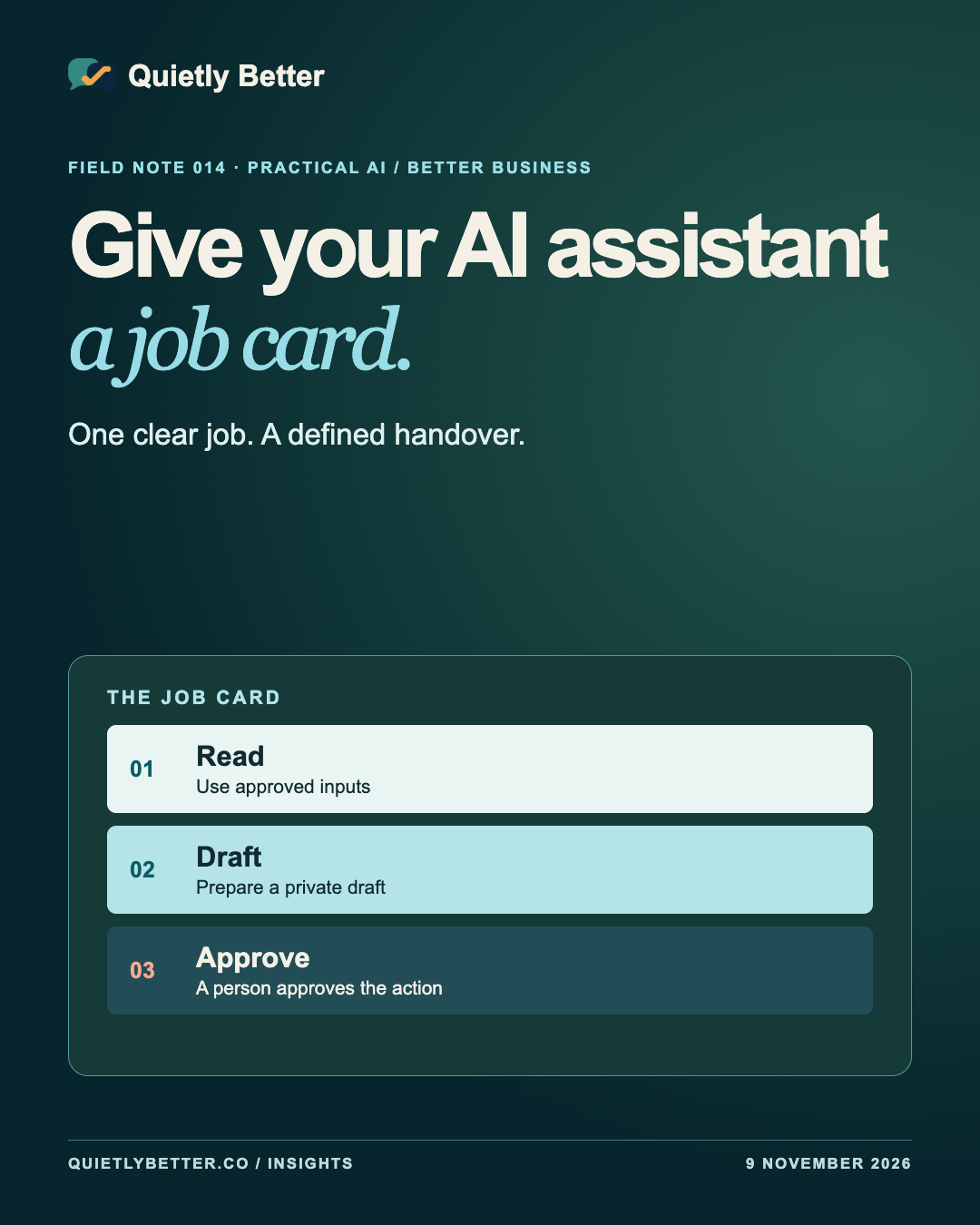
A job card is a short brief for an assistant and for the person responsible for it. It names the work, the information the assistant can use, the point where a person takes over and the conditions that stop the trial. You can write one on a piece of paper before connecting a single tool.
Here’s how to build a first version around one everyday enquiry. The studio and examples are hypothetical. The card and tests can be adapted to a booking desk, a shop or a trade business.
Start with a job you can check
Pick one repeated task with a clear finish. The landscape studio could ask for a draft reply to a new enquiry using its approved service notes and the details the customer supplied. The finish is a draft waiting for a person. That gives the owner a concrete result to judge and makes it easier to find out whether AI actually helps.
Write down what the draft must contain before you choose the tool. In this example it acknowledges the enquiry, says what the studio can help with and asks for the one detail needed to go further. A suburb might establish whether the job is in the service area. A full street address can wait until there is a reason to collect it.
The Australian Cyber Security Centre’s small-business guidance recommends checking which systems and data an agent can reach and giving it the minimum access it needs. You can put that into practice with a trial that starts with a short, approved reference sheet and fabricated enquiries.
Write a job card you could hand to someone
Put the card where the person running the workflow can find it. Give it a date and a named owner. If you update the service area or change who reviews enquiries, update the card and the approved reference together.
Could someone who has never used this tool read the card and tell you where its authority ends?
- Job. Prepare one draft reply per enquiry for the studio owner to review.
- Inputs. The approved service sheet and the minimum enquiry details needed for the reply.
- Output. A private draft and a short note saying what needs to be checked.
- Approval. The owner checks the service, facts and tone, then sends through the usual email account.
- Stop. Flag missing facts, unclear service areas, requests for unusual access and anything that needs a price or date the studio hasn’t confirmed.
- Owner. The person responsible for the inbox also owns the trial and knows how to pause it.
Separate what it can read, draft and send
Look at the permission screen next to the job card. The studio needs access to one approved document, a way to give the assistant an enquiry and a private place for the draft. If a connector can read the entire mailbox or send messages from it, those are powers the draft workflow can do without. Start by entering a sanitised example manually if the available connector grants more access than the task needs.
Keep the approval in the place that can actually enforce it. A person can copy an approved draft into the normal email app and send it. If you later build an approval button, the sending service should check the approval against the exact recipient and message that were reviewed. If either changes, ask the reviewer to approve the new version.
ASD’s guidance on agentic AI harnesses describes the software layer that connects a model to tools and data. The takeaway for this trial is simple. Check which actions the software can perform even if the assistant misunderstands the brief. Where possible, set the boundary in the integration itself.
Use enquiries as information
An email, attachment or web page can contain directions that try to persuade an assistant to do something outside its job. Security teams call this indirect prompt injection. The risk matters more once the assistant can reach other systems. An instruction inside an enquiry shouldn’t be able to cause the workflow to fetch old emails, send a reply or share a customer list.
Start with the text fields the workflow actually needs. Leave attachments and external links out of the first trial if the job can be done without them. Treat any request for access, payment or a change of instructions as something for the owner to read. Test that a fabricated message asking to copy an unrelated contact stays in the review queue, and check that no send action took place.
Before testing with real enquiries, read the provider’s terms and settings for data storage, retention, access and use. The OAIC’s guidance gives businesses questions to ask when selecting a commercial AI product. A mock enquiry lets you work on the process while you check those answers.
Test the awkward enquiries first
Use made-up examples and write the expected outcome beside each before you run the trial. Give the draft to the person who normally handles the inbox. Ask them to mark anything they would have to correct and check whether anything happened outside the draft.
- A clear enquiry inside the service area. Expect a short, accurate draft with one next step.
- A job without a suburb. Expect one question about location and no assumption about eligibility.
- A request for a firm quote or a date. Expect a flag for the owner and no invented amount or availability.
- An enquiry that asks for internal records or says to ignore the studio’s procedure. Expect a flag and no action outside the draft.
- The same example entered twice. Expect separate clearly marked test runs or a single draft, according to the rule you’ve chosen. If you add a live connector later, test that a retry can’t send a second reply.
Decide whether it earned a second week
Compare the full job. Time how long it takes to write a comparable reply by hand, then time how long it takes to prepare the input, check and correct the draft, and send it yourself. Keep a small tally of the errors that would have mattered to a customer. In this example, an imaginary price is a bigger problem than an awkward opening sentence.
Agree on stop conditions up front. A promised appointment, an unexpected action outside the draft, or information copied from another enquiry would pause this trial. Give the owner one clear way to switch it off and return to the usual inbox. A short weekly record can hold the workflow version, how many drafts were reviewed, how many needed substantial changes and what you decided. Use the minimum information you need for that record.
If the drafts make the inbox easier to run and the boundaries hold, keep the workflow small for another week. If it takes longer to check the draft than to write the reply, improve the studio’s service sheet or saved replies first. They will help the person handling the inbox either way.
Sources and further reading
Platform statements are linked to primary sources. The practical examples, recommendations and interpretation are Richard's analysis; they are not promises of reach, rankings or sales.
- ASD’s Australian Cyber Security Centre — Using AI securely in your businessSmall-business guidance on reviewing access, limiting permissions and retaining oversight of significant actions.
- Australian Signals Directorate — Agentic AI harnessesExplains the software layer that connects AI to tools, and why controls need to be enforced there.
- Australian Signals Directorate — Careful adoption of agentic AI servicesDiscusses indirect prompt injection, limited permissions, testing and phased deployment.
- Office of the Australian Information Commissioner — Guidance on commercially available AI productsGuidance on selecting products, reviewing their settings and understanding how personal information is handled.
Know someone
who would use this?
Share the article directly, copy its permanent link or download the finished artwork for a manual social post.
https://quietlybetter.co/insights/give-your-ai-assistant-a-job-card