A poster for a Friday printmaking workshop goes up on Instagram. Someone forwards it to a friend. A week later the room changes, but the original poster is still circulating in messages. The friend now has two addresses and no obvious way to tell which one is right.
Give each event one public page that holds the latest details. It can be a page on your website or a dedicated listing from your booking provider. Use that link on your website, in posts and anywhere a customer might save or share the event. The flyer starts the conversation. The page answers the questions that get people through the door.
Here’s what I’d put on that page for a workshop, pop-up or open day. The printmaking session is fictional and the same checks apply to events of different sizes.
Start with the person getting there
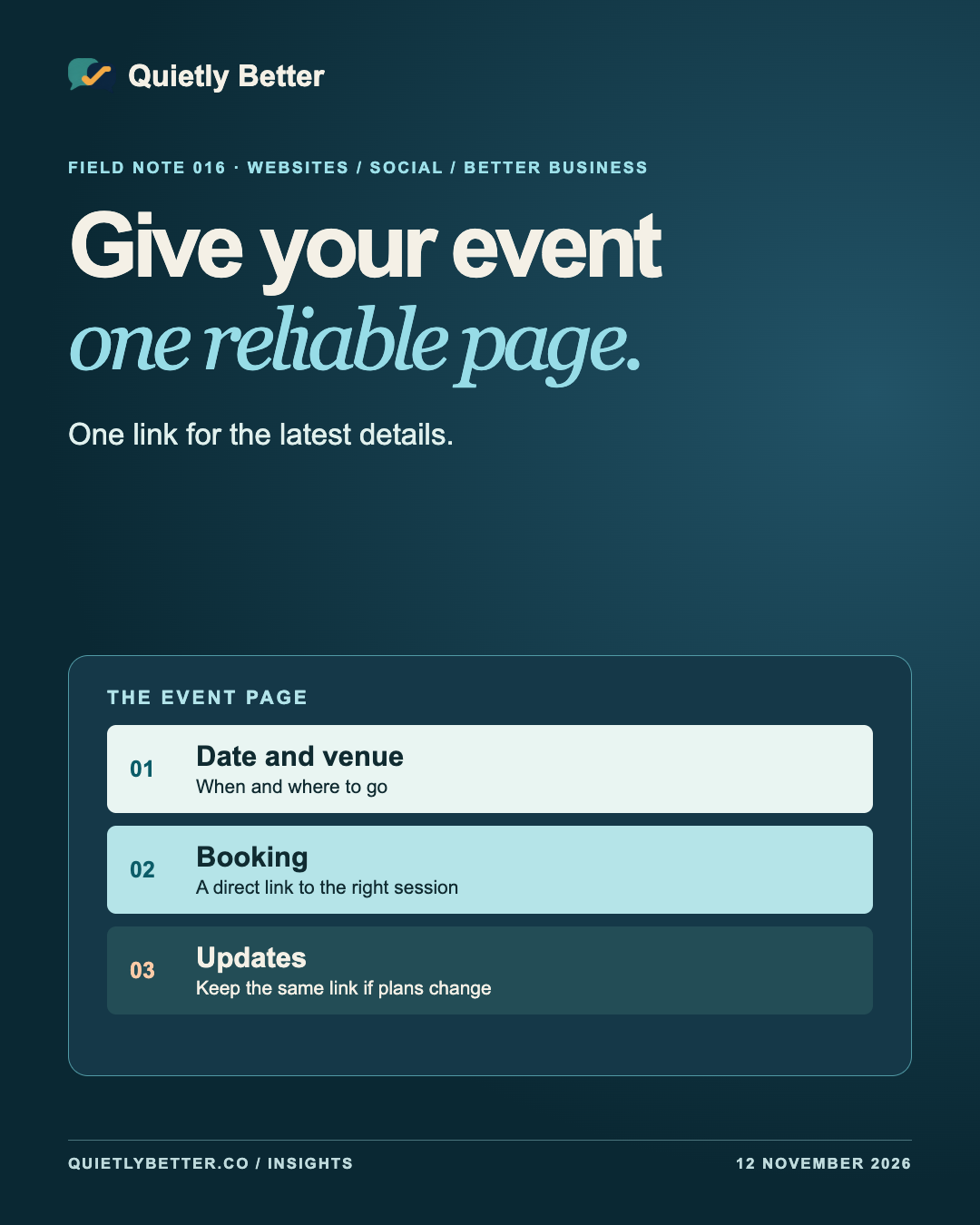
Imagine someone checking the listing on a phone at the end of a shift. They need to decide if they can make it, whether there is a place left and what the evening actually involves. Put the details that answer those questions at the top of the page. Lead with the event name, full date, local start and finish times, venue, suburb and booking status. Use the full street address below and tell people where to enter if that is easy to miss.
Use a short paragraph to say what will happen. In the printmaking example, the workshop is a two-hour introduction where beginners make and print a simple design. If materials are provided, say so. If participants need to bring an apron or something to carry wet prints home in, say that as well. Write the page so a person who has never met the organiser can picture the evening.
Give confirmed access details the same care you give the programme. If the main entrance has steps and another entrance has step-free access, describe where that second entrance is. Verify access details with the venue before publishing them. Give people a contact for questions the page cannot answer.
Give each event a link that will still work tomorrow
Choose a single public page for this event and keep its address stable. For a repeat workshop, use a distinct page for each separately bookable date if you plan to mark them up for Google’s event experience. Give people a small programme page for browsing dates, with a clear link to the details for each session. When you promote the Saturday event, send people straight to the Saturday listing.
A small team can do this on its own site or with a dedicated public listing on its ticket provider. Pick the page your team can update promptly. If you publish a separate site page and checkout, link directly to the matching checkout and keep the status, date and price aligned. A customer should be able to tell that they are booking the event they just read about.
Put the same details in live text, even when the poster looks terrific. People can copy an address from text, zoom the time or have a screen reader read it aloud. If the poster carries essential information, the page should carry that information as well.
Make the booking link say where it goes
Give the main link a label that tells the reader what will happen. ‘Book the Friday printmaking workshop’ tells someone which session they’re about to open. ‘Join the waiting list’ describes a different action, and ‘See the venue on a map’ sets another expectation. The W3C’s accessibility guidance describes a technique for making link purpose clear through the link text itself.
Run through the booking journey from a phone. Open the event page from the social post, follow the booking link and check that the ticket page shows the same event name, date, venue and ticket status. If the event is free but requires booking, put both facts together. If it is sold out, change the booking area to show the current status and offer a waiting list only if someone will look after it.
For Instagram, use a link placement visitors can actually follow, such as a current profile link that leads to the event page. Read the caption as a visitor and check that its directions match the links available on that account.
Keep the old link when plans change
Suppose the fictional workshop moves because the room is unavailable. Update the existing page first. Put the new time or venue at the top, give a brief explanation, and say what people who already booked should do. If you are waiting for a replacement date, say when you expect to give the next update. That gives a customer arriving from an old caption a useful answer.
Then update the booking listing, pinned posts and any programme pages you control. Notify booked attendees using your existing booking channel. Write down the two or three places you update first so the next person can do it without rummaging through a shared inbox.
Google’s event documentation gives separate guidance for postponed, rescheduled and cancelled events. If your page uses event markup, update the status and dates according to the relevant instructions. For a cancellation, Google says to keep the original identifying details and change the status. The visible page should explain the change in language a visitor understands.
Use event markup when the page is eligible
Structured data describes the event to search engines in a predictable format. Google lists an event experience for English searches in Australia. Its documentation calls for a dedicated page focused on one event and accurate event details. Among other conditions, the event must be bookable by the general public and take place at a physical location. Check the full guidelines against the actual event.
If the page qualifies and your site supports markup, use the date, location and booking information you already verified. Check the markup with Google’s Rich Results Test, and update the visible page and markup together when the facts change. Google says even correctly marked-up pages may appear without the event feature. The page still has to do its main job for the person who reaches it from a link.
Try this before you share the poster
Send the page to someone who wasn’t involved in planning the event. Ask them to answer these questions from their phone, then fix the first thing they have to guess.
Use one page you can keep current and make every shared link lead people back to it.
- What’s on, on which date and at what local time?
- Where do I go, and is there anything I need to know about getting inside?
- Is there room, what will I pay, and do I need to book?
- Does the booking link open the exact event I just read about?
- If I come back through this same link tomorrow, where will I see a change?
Sources and further reading
Platform statements are linked to primary sources. The practical examples, recommendations and interpretation are Richard's analysis; they are not promises of reach, rankings or sales.
- Google Search Central — Event structured dataEvent eligibility, dedicated event pages, dates, venues and updates for postponed, rescheduled or cancelled events.
- Google Search Central — General structured data guidelinesExplains eligibility for search features and that correct markup alone does not guarantee an appearance.
- W3C Web Accessibility Initiative — Link text that describes the purpose of a linkA technique for describing a link’s destination or action in its visible text.
Know someone
who would use this?
Share the article directly, copy its permanent link or download the finished artwork for a manual social post.
https://quietlybetter.co/insights/give-your-event-one-reliable-page