
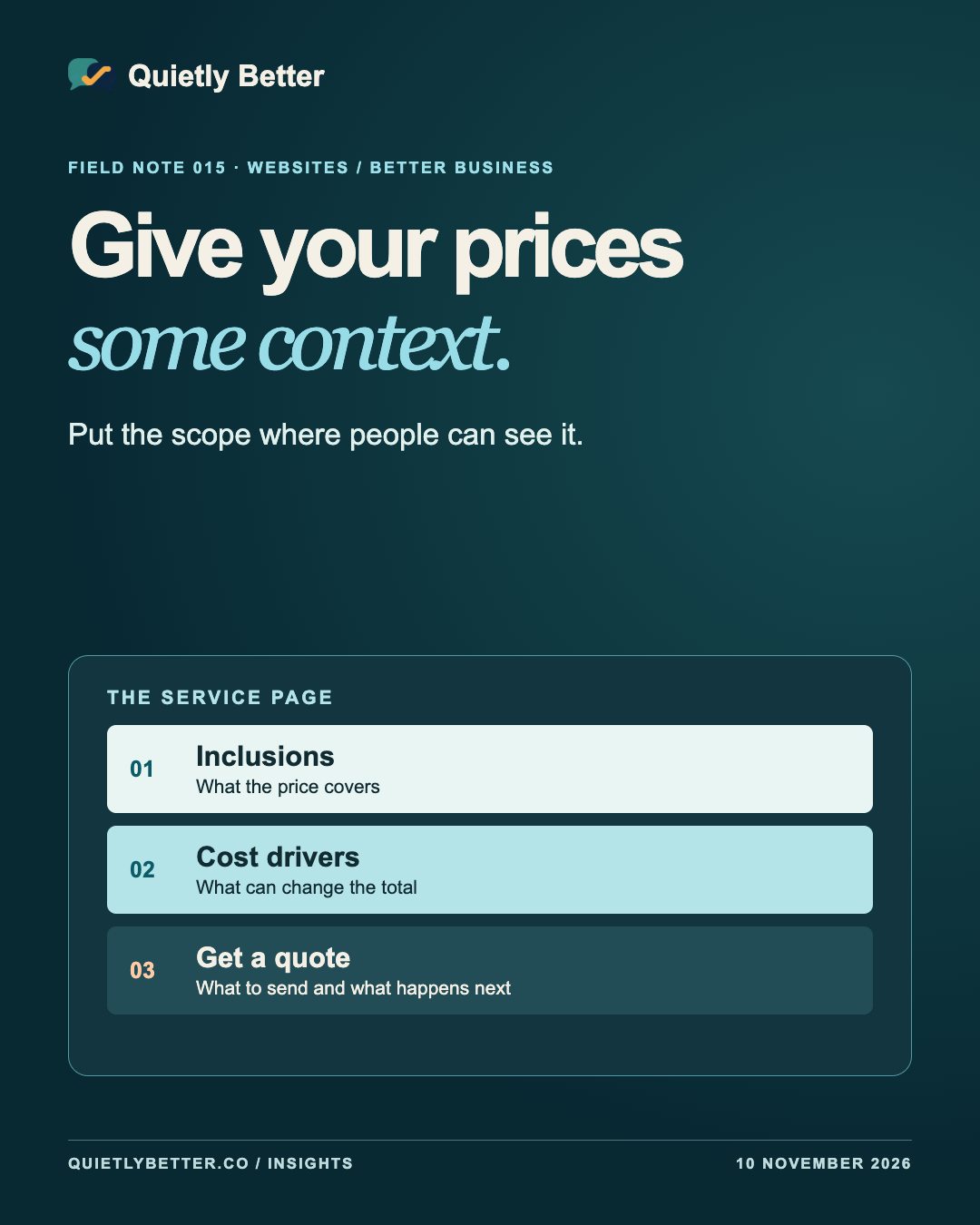
The price is on the website. That should make things easier. But if a visitor reads ‘from $450’ and has to guess what that buys, how often that price applies or what they’ll pay by the end, the page has only answered part of the question.
A service price becomes useful when it sits next to its scope. A fixed offer can state the total and the inclusions. A custom service can name the things that change the cost and give customers a clear path to a written quote. Both give people something better to go on than a number in isolation.
Here’s how to decide what to put on a small business service page, using a fictional product photography studio as an example.
Decide what the visitor needs to know
Someone looking for a product photographer is trying to work out whether they’re in roughly the right place. They might have a dozen items for a shop, a launch in three weeks and no idea whether photography will use a tenth of their budget or all of it. They need enough information to decide whether to enquire and what to bring to that conversation.
Read the current service page as if you were that person. Write down the questions you can answer before they get in touch. Is the session in a studio or on site? Are edited files included? Does the business need to send every product or just a sample? A page can do a fair bit of work even when the final figure depends on the job.
Next, look at the work from your side. Identify what stays the same, what changes the hours or materials, and what you have to inspect before quoting. Those three piles tell you how much price information you can publish with confidence.
Choose a format that fits the job
A fixed package works when you can describe the unit of work and deliver it consistently. Say what the customer receives, how they receive it and the conditions that make the price possible. If most customers need more than the advertised package, give them a clearer route to the work they actually need.
A guide range can help when you have enough comparable work to explain both ends. Use genuinely comparable jobs, then put the factors that shift the price next to the figures. For photography, those might be number of setups, specialist retouching and delivery deadlines. Give the range an owner and a review date so it doesn’t keep promising what the business could deliver two years ago.
Some jobs call for a quote after inspection. Explain what you need to assess, what the assessment costs if there is a fee, and what happens before any work starts. ACCC guidance on setting prices notes that a price can reflect costs, margin and market conditions. As an editorial decision, I’d show the details a customer can act on before explaining every reason a business charges what it charges.
Put the number beside the scope
Here’s a fictional example. The figures are for illustrating the page layout and are not market rates or Quietly Better prices. A studio might publish a small catalogue session for A$450, including GST. The price covers up to six small products, two edited photos per product, one plain backdrop and delivery by download within five business days of the session. The package is for products brought to the studio. Give the service a name the customer will recognise when they read the quote later.
Put a second route next to the fixed package. For styled shots, reflective products, extra backdrops or an on-site session, the customer can request a written quote. Ask for the product count, an example image and the deadline. Those three details give the studio something to work with and give the customer a task they can finish on a phone.
Look at the price card after removing the headings and styling. The reader should still be able to find the total, the inclusions and the first thing that might change the scope. Put that detail next to the amount, where it will survive a quick skim.
Make the real consumer total easy to see
For Australian consumer offers, the ACCC explains that the displayed total generally needs to show the minimum amount a customer can pay, including applicable taxes, unavoidable charges that can be calculated at the time and extras you preselect. If you also show a component price, make the total at least as prominent. The ACCC’s page covers particular cases where charges can only be calculated later.
Take the fictional A$450 session. If everyone also had to pay a A$40 studio fee, the total would be A$490. Showing the smaller amount in huge type and revealing the required fee on the next screen would give the customer the wrong figure to plan around. Keep compulsory charges with the package total and keep genuinely optional extras separate.
Read the social caption, service page and booking screen in that order. If the offer appears on all three, a person should see the same scope and understand what they’ll have to pay. If a promotion ends or the package changes, give one person the job of checking each place the offer still appears.
Let the written quote settle the details
The page helps someone decide whether to enquire. The written quote should make the proposed job clear enough for both sides to review. In the photo example, it can confirm the products, shot list, file sizes, timing, price and what happens if more products arrive. Think about what someone will need to check in a week’s time when the initial conversation has gone cold.
Business.gov.au’s guide recommends putting the work, itemised and total costs, relevant dates, payment terms and acceptance details in writing. For a custom job, state the assumptions that determine the price. If the client wants a change, agree the effect on cost and timing before doing the additional work. Keep that approval with the quote so the person doing the job can find it.
Run a five-minute price-page check
Open the page from a social post on your phone. Ask someone outside the business to talk you through the following five questions. Write down where they stop, guess or leave the page to look for an answer.
Pick one service, explain one price clearly and give the customer one sensible next step.
- What can I buy at the published amount, and what will I receive?
- Can I find the total without opening another screen?
- Which parts of my job could make the scope or price change?
- What do I need to send to get an accurate quote?
- When will I see and agree to the actual cost for my job?
Sources and further reading
Platform statements are linked to primary sources. The practical examples, recommendations and interpretation are Richard's analysis; they are not promises of reach, rankings or sales.
- ACCC — Price displaysCurrent Australian guidance on prominent total consumer prices, unavoidable fees and preselected extras.
- business.gov.au — Prepare quotesPractical guidance on scoping work and preparing written quotes with costs, timeframes and terms.
- ACCC — Setting pricesExplains factors that influence prices and the need for clarity where prices vary.

Know someone
who would use this?
Share the article directly, copy its permanent link or download the finished artwork for a manual social post.
https://quietlybetter.co/insights/give-your-prices-some-context