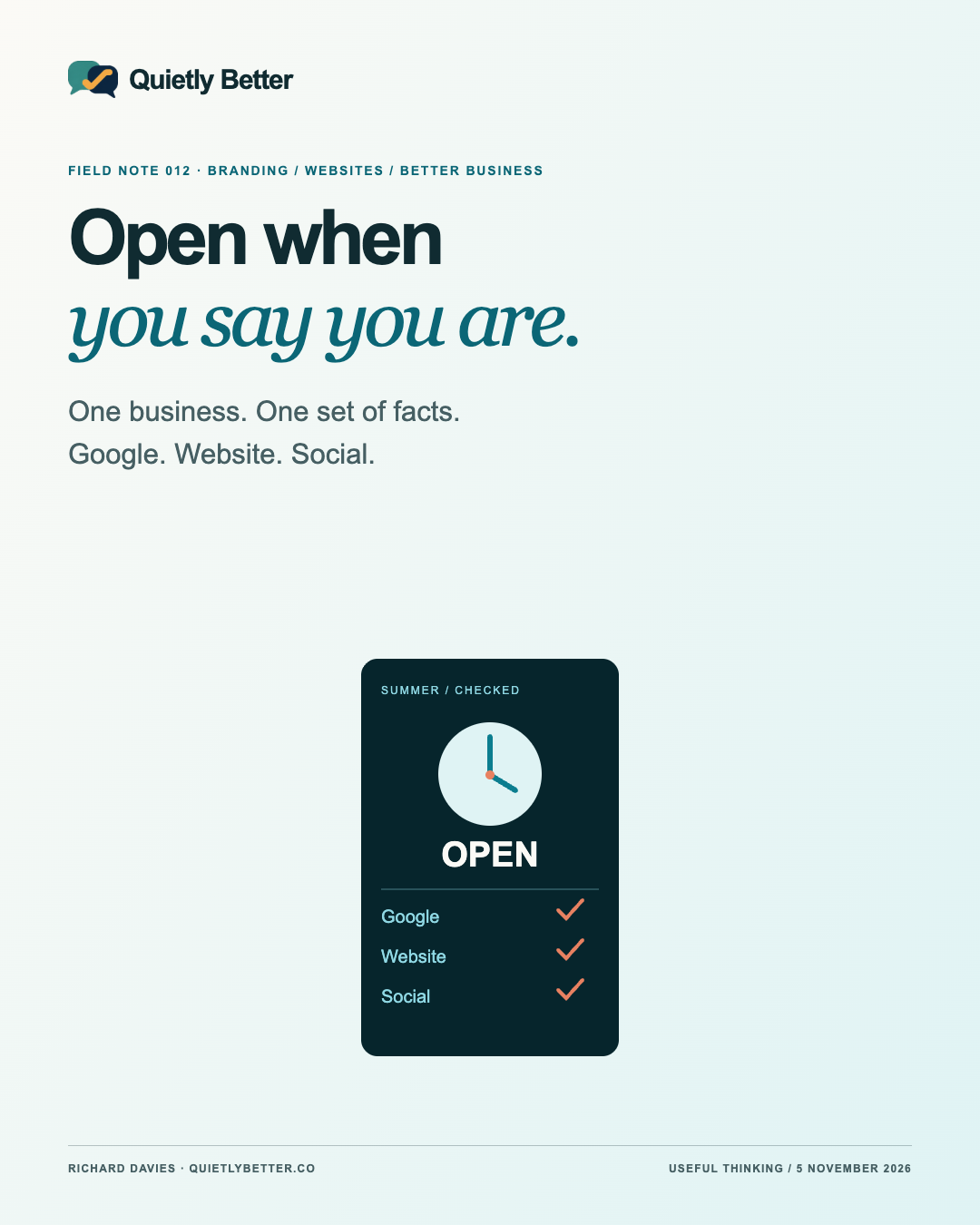
A customer checks your hours, drives across town and finds a locked door. The logo might be excellent. The welcome has still gone rather badly.
For a small business, opening hours, collection deadlines and booking arrangements are part of the brand experience. They tell people whether the business is paying attention. As summer approaches, a few exceptions can leave your Google profile, website and social posts telling different stories.
This Field Note connects a current technology development with a very ordinary business job: keeping practical information dependable. The examples are hypothetical, the checking method is an original recommendation, and there are no invented customer results or promises of a jump up Google.
The technology has moved. The responsibility has not.
Google announced a Business Profile connection and Business notebooks for Gemini on 10 June 2026. Its current help now describes conversational profile updates, review-response drafts and access to business information. That is a useful development for an owner juggling the counter, the phone and the accounts. It is a dated update, not a claim of a new launch this week.
There are meaningful conditions. Google currently requires an adult owner or manager of only one verified profile, using an associated personal Google Account in the Gemini web app, with Keep Activity enabled. Work or school accounts and managers of multiple verified profiles are excluded in that guidance. Read the current eligibility and data-handling information before deciding whether connecting is appropriate.
The practical point is broader than one product. Tools can increasingly change customer-facing information through a conversation. That makes the quality of the instructions more important. An assistant cannot know that your last collection is an hour before closing unless somebody tells it. Easier publishing is not a substitute for deciding what is true.
Start with the awkward questions, not the graphic
Imagine a hypothetical small coastal shop preparing for December. The owner plans to close at midday on one day, offer collections until eleven and answer online enquiries again after the break. A single line saying “Open until twelve” leaves several different promises hiding inside it.
Before designing anything, write the operational answers in one place. Which dates differ from normal? When can somebody walk in? When must an order be placed? Is collection different from delivery? Who will answer a message, and when? What happens to an enquiry received while the business is closed?
Use complete dates and plain language. “Friday, 18 December 2026” survives a screenshot better than “next Friday”. Include a time zone when an online service could be used interstate. If the arrangements are not settled, say they will be confirmed rather than filling the gap with something optimistic.
A business owner should approve this short fact sheet before it is copied anywhere. Give it a checked date and name the person who can change it. It does not need an elaborate system. A shared note that somebody actually maintains beats a very impressive dashboard nobody trusts.
Match the kind of change to the right control
Google distinguishes special hours for brief exceptions from your regular schedule. Its guidance says they can cover an adjustment or closure of up to six consecutive days, and recommends confirming official-holiday hours even when they match normal hours. For a closure of seven or more consecutive days, or an unknown period, it directs businesses to the temporary-closure option instead.
That distinction matters over the summer break. Do not stretch a short exception into a fortnight merely because the first field was easy to find. Service-specific hours can also be different from opening hours; Google points to More hours for those cases. Check the current instructions for your actual situation rather than treating every timetable as the same thing.
Keep an approval note of what you changed and why. After saving, look at the public result. Does the date you intended appear? Is the business still described in the way you expect? If an edit is not visible yet, record that uncertainty. An editable field and a public customer view are two different checkpoints.
Give the website, Google and social posts different jobs
A useful arrangement is to let the website hold the complete current explanation, the Business Profile answer immediate practical questions, and social posts draw attention to changes. This is a studio recommendation, not a rule imposed by Google. The aim is to make maintenance manageable for a small business.
On the website, put the short version near the action it affects. A collection deadline belongs beside the collection instructions or order button, not only in a decorative banner at the top. Explain when normal arrangements resume. Keep the full notice readable as text so customers can search it, enlarge it and copy it.
On social media, use the image to attract attention and the caption to carry the actual dates and next step. A beautiful timetable with tiny type is not doing the reader a favour. Give the artwork meaningful alt text where the platform supports it, and repeat essential arrangements in ordinary caption text.
Do not assume your website, Google and social accounts synchronise. A change in one place is not evidence of a change in the others. Check each destination separately. Look for older pinned posts and saved highlights that might contradict the update; an accurate new post does not quietly erase last year’s Christmas notice.
Run a customer check before asking more people to visit
Use a phone and approach the business through the paths a customer might take. Search the business name, open the profile, follow its website link, then try the route from a recent social post. Read what is actually shown rather than what you remember entering. There is no prize for having the right answer hidden in the administration screen.
Ask a second person to answer three questions from the public information: can I visit on this date, can I get the service I need, and what should I do next? Do not coach them through the page. If they have to ring simply to interpret the timetable, the wording probably needs another pass.
For the hypothetical shop, the test might reveal that the profile says midday, the website explains an eleven o’clock collection cut-off, and the social picture simply says “Christmas hours”. That is not necessarily three false statements. It is three incomplete pieces asking the customer to assemble the business themselves.
Fix the most consequential disagreement first. An incorrect location, unavailable booking route or misleading service deadline deserves attention before decorative refinements. Record what you could not verify. This exercise is a practical customer check, not a full accessibility audit, a ranking test or proof that every visitor sees the same result.
Use AI as a careful assistant with a bounded job
A sensible first use is to ask for a comparison and drafts, leaving live information untouched. Supply the owner-approved fact sheet and copies of the current wording. Ask the assistant to list contradictions, missing dates and questions it cannot answer. That is a much firmer task than “make our Christmas marketing better”.
For example: “Using only these approved arrangements, draft a website notice, a short Business Profile update and an Instagram caption. Keep dates and collection deadlines unchanged. Flag anything missing. Do not publish, change hours or invent availability.” Review the drafts against the original sheet, not against one another.
If you later authorise a connected assistant to edit live information, specify the exact profile, fields, dates and permitted action. Keep prices, booking capacity and other settings outside that instruction unless they are deliberately included. Check the public result afterwards. The responsibility should be easy to locate even when the keyboard work is delegated.
Avoid supplying customer details when a general operating schedule will do. Evaluate the product’s access and data settings before connecting it. There is no need to change accounts, enable a setting or buy another subscription merely to perform the manual checks in this article.
Do not turn tidy information into a ranking promise
Google describes local ranking in terms of relevance, distance and prominence, and says there is no way to request or pay for a better local ranking. Complete, accurate information is part of its advice. It does not promise that correcting holiday hours will put a business above every competitor.
That is still worthwhile work. A person who finds you should be able to make a sound decision. Reducing uncertainty is a useful design outcome even before you can measure an enquiry or a sale. Treat any claimed commercial improvement as something to establish from evidence, not something to print because the update looks good.
When reviewing results, keep the labels. Google’s profile Calls metric counts call-button clicks, not answered conversations. Website clicks are profile-link clicks, not completed purchases. Its performance guidance says reporting can include both organic results and Google Ads. Record the source and date range instead of relabelling every number “organic website traffic”.
A simple owner’s note can sit beside those platform figures: timetable corrected, checked publicly, customer questions received, and any remaining confusion. Do not infer that a quiet week proves the change failed, or that one good week proves it caused the work. The purpose is to learn which uncertainty is still getting in the way.
A small maintenance habit is part of the brand
Branding includes the promises people can rely on. A recognisable colour and a clear voice help, but so does knowing the door will be open when the business says it will. The useful modern website is connected to the way the owner actually works.
At Quietly Better, that is the thinking behind bringing identity, websites and connected content into the same conversation. It is a small, Richard-led studio approach: agree on the real business first, then make the different pieces help one another. The technology earns its place by making that easier to maintain.
For this week, choose one upcoming exception and make its journey clear. Agree on the facts, update the right places, check the public view and set a reminder to remove the notice. That is a more useful start than commissioning six more cheerful graphics about being customer-focused.
Being easy to find is useful. Being easy to rely on is better.
Sources and further reading
Platform statements are linked to primary sources. The practical examples, recommendations and interpretation are Richard's analysis; they are not promises of reach, rankings or sales.
- Google — Gemini tools for small businesses, 10 June 2026Dated vendor announcement, not a new November launch or an independent test.
- Google Business Profile Help — Manage your profile with the Gemini web appCurrent documented capabilities and eligibility checked 5 November 2026. Availability is account-dependent; no integration was connected or tested.
- Google Business Profile Help — How to set Special hoursCurrent distinction between temporary special hours, service-specific hours and longer closure checked 5 November 2026.
- Google Business Profile Help — Tips to improve your local rankingCurrent official explanation of relevance, distance and prominence; no ranking guarantee.
- Google Business Profile Help — Performance and insightsMetric definitions and organic/Ads scope checked 5 November 2026. No private business statistics accessed.
Know someone
who would use this?
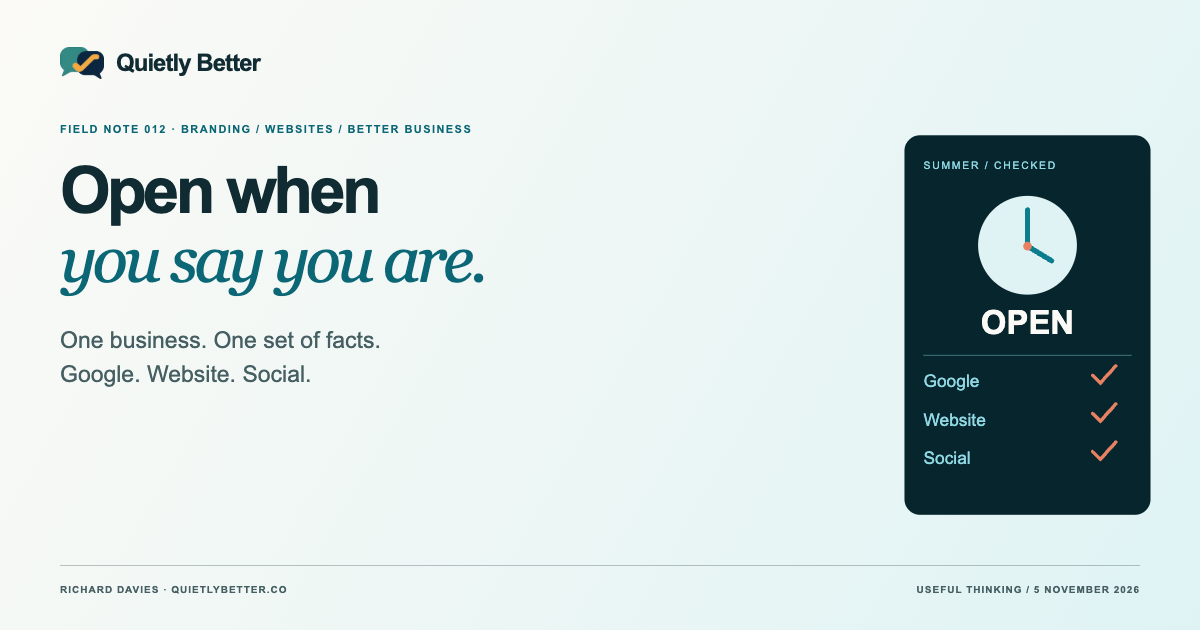
Share the article directly, copy its permanent link or download the finished artwork for a manual social post.
https://quietlybetter.co/insights/your-opening-hours-are-part-of-your-brand